
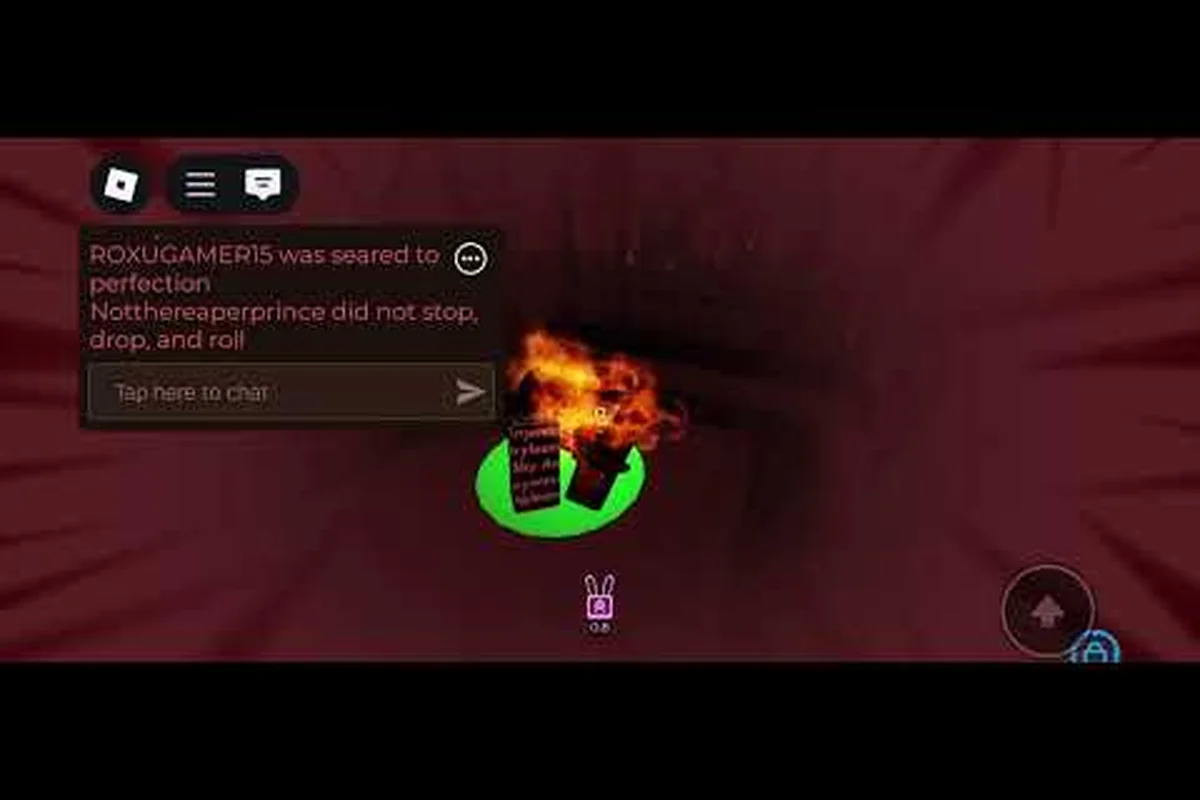
Playing Regretevator on a phone or tablet introduces a completely different feel from a keyboard and mouse session, and the regretevator mobile tips below are built around that gap. Touch controls shift how you time jumps on Spike, how you read projectiles on a moving floor, and how you manage coin-grinding stamina during a long Floor Streak. According to the official Regretevator page on Roblox, the game is fully cross-platform, meaning every randomized minigame floor and social scene must perform on a low-end Android just as well as a high-end PC. The elevator simulator launched on May 2, 2020 by The Axolotl Sun, and the community has spent years refining what actually works on a six-inch touchscreen.
Touch Control Setup for Regretevator Mobile
The default Roblox touch layout puts a directional joystick on the left and a cluster of action buttons on the right, but Regretevator's elevator simulator format punishes players who leave everything on default. A mobile run typically lasts 20 to 40 minutes, and a single mistimed jump on a Reflex-based floor ends your streak, which is why dialing in the control layer matters more than raw reaction time.
Joystick Position and Sensitivity
Most phones ship with the joystick pinned to the lower-left corner, which forces your thumb to travel across the screen every time you need to strafe. The smarter move is to open the Roblox settings menu, switch to the custom joystick layout, and drag the joystick higher up the left edge so your thumb sits naturally below the camera zone. Sensitivity should sit in the 60 to 70 percent range: too high and you overshoot jump pads, too low and you cannot dodge spinning obstacles in time.
| Setting | Recommended Value | Why It Matters on Mobile |
|---|---|---|
| Joystick position | Upper-left, below camera | Reduces thumb travel during long runs |
| Joystick size | Medium (default) | Larger sticks block visibility of floor details |
| Camera sensitivity | 60–70% | Smoother tracking of moving obstacles |
| Jump button | Bottom-right thumb zone | Natural index-finger reach |
| Action button | Above jump, smaller | Avoids accidental taps on stairs or ladders |
Gesture Shortcuts Worth Enabling
Roblox mobile supports a few hidden gestures that veteran Regretevator players swear by. Tap-to-look while moving lets you drag a second finger across the screen to rotate the camera without releasing the joystick, which is critical for floors like Fun Flood at Squishy's where the action is happening behind you. Hold-to-sprint is another one: tap once on the action button to lock sprint, freeing your thumb to focus on jumping and strafing. Community testing on the r/regretevator subreddit shows that players who enable both gestures report noticeably smoother runs on Reflex-based floors.
A final touch-control trick is to remap the camera button so it sits just above the action button instead of the upper-right corner, because your right thumb is already in motion and a quick flick upward is faster than reaching across the screen. Players who test the layout in the elevator's pre-floor lobby for a few minutes before queuing into a real run almost always perform better on the first randomized floor.
Regretevator Graphics Settings for Low-End Devices
Mobile Regretevator can chug hard on older phones, especially on social floors with 10 players crammed into a single elevator, and the worst part is that a frame drop usually happens right when a spike trap activates or a rotating wall closes in. Tuning your regretevator graphics settings is not about chasing pretty visuals; it is about keeping the frame rate above 30 FPS so touch inputs feel responsive.
Visual Quality Preset Comparison
The Roblox app exposes several quality tiers that directly affect how Regretevator runs, and each one trades a different visual element for performance. The table below shows the trade-off based on community data reported by players on the Regretevator Discord.
| Quality Preset | Draw Distance | Shadow Quality | Particle Density | Best For |
|---|---|---|---|---|
| Automatic | App-decided | App-decided | App-decided | Balanced phones (3+ GB RAM) |
| Manual Level 1 | Short | Off | Low | Low-end devices, 1–2 GB RAM |
| Manual Level 4 | Medium | Low | Medium | Mid-range devices, 3 GB RAM |
| Manual Level 6 | Long | Medium | High | High-end devices, 6+ GB RAM |
| Manual Level 10 | Maximum | Maximum | Maximum | Flagship phones only |
Practical Settings Recommendations
For most players, the Automatic preset is the right starting point, but it often overestimates a phone's actual capability, especially when the battery is warm or the device is two years old. Community reports suggest that manually setting the quality to Level 4 and disabling shadows gives the best mix of clarity and stable framerate on devices like the Samsung Galaxy A-series and the iPhone 12.
-
Set quality to Manual Level 4 if your phone has 3 GB of RAM or more.
-
Disable shadows because they add little to a randomized minigame floor and cost roughly 15 percent of your frame budget.
-
Lower particle density to Low so coin pickups, fire traps, and confetti effects do not stutter during crowded social floors.
-
Close background apps before queuing into the elevator; Regretevator is the most demanding thing on your screen, and anything competing for CPU cycles will cause input lag.
-
Lower screen brightness to around 60 percent because Regretevator uses warm color palettes, and high brightness on an OLED panel burns battery and adds heat that throttles performance.
Players running the game on a tablet like the iPad Mini or the Lenovo Tab M8 should push quality up to Level 6 because the larger battery and better thermal design handle the load easily. The key is that the frame rate must stay smooth, because touch controls rely on consistent input polling, and a stuttering game makes your thumb misjudge jumps even when the underlying skill is there.
Regretevator Items Guide: What to Buy First
The shop in Regretevator is the heart of progression, and the regretevator items guide that follows focuses on the early-game economy when coins are scarce and every purchase has to count. Coins come from completing floor objectives, surviving minigames, and collecting pickups scattered across each randomized floor, then they funnel into the shop where passive items shape every future run.
The Best Items for New Players
The community widely agrees on a core trio of first purchases that any new mobile player should prioritize, because they multiply your coin income and improve survivability without requiring advanced game knowledge. The table below ranks them by community priority, with prices drawn from player reports on the r/regretevator subreddit.
| Priority | Item | Effect | Approx. Cost | Why Buy First |
|---|---|---|---|---|
| 1 | Token of Midas | 1.25x coin multiplier | Mid-tier | Compounds with every future run |
| 2 | Compass | Speed and jump boost, 1.75x coins at health cost | Mid-tier | Best ceiling for coin farming |
| 3 | Floppies (to NPCs) | +100 max health each | Free pickups | No shop cost, permanent HP boost |
| 4 | Coin Magnet | Pulls coins toward you | Low-tier | Saves time on timed floors |
| 5 | Sprint Boost | Permanent sprint speed up | Low-tier | Helps on Reflex-based floors |
Why Token of Midas Comes First
The Token of Midas is the cornerstone of the regretevator best items guide because it is a passive multiplier that applies to every coin you collect for the rest of your account's lifetime, and that compounding effect means it pays for itself faster than any other early-game purchase. A player who buys Token of Midas on day one is earning 25 percent more coins on day 30, day 100, and beyond, which is exactly the kind of long-tail investment that the elevator simulator format rewards.
Compass is the second priority, but it comes with a trade-off that mobile players should understand before buying: the speed and jump boost is excellent, but the 1.75x coin multiplier costs you health, which means you need to combine Compass with reliable HP sources. Floppies handed to Lampert, Prototype, Reddy, Melanie, or Scag each grant +100 max health, so players who stack a few Floppies first can safely absorb Compass's downside and still net a much higher coin total. Coin Magnet and Sprint Boost are both budget picks that fit naturally into the early economy, and a deeper look at every available item lives in the full items list.
Regretevator Best Items Guide: Long-Term Investment Picks
Once you have the core trio of Token of Midas, Compass, and a few Floppies banked, the question shifts from "what do I buy first" to "which items scale best as my coin income climbs." The regretevator best items guide for mid-game players focuses on synergies rather than single-item strength, because at this point your build is shaped by how passive items interact.
Item Synergies and Combos
A well-built passive loadout in Regretevator stacks coin multipliers on top of each other, then layers survivability items so the high-risk multipliers do not kill you before the coins land. The combo table below reflects what experienced players on the Discord community report as the most consistent builds.
| Combo Name | Items Included | Strength | Risk |
|---|---|---|---|
| Greedy Grinder | Token of Midas + Compass + Coin Magnet | Maximum coin output | Low max HP |
| Balanced Climb | Token of Midas + Floppies + Sprint Boost | Steady income, good mobility | Lower coin ceiling |
| Streak Hunter | Compass + Coin Magnet + Sprint Boost | Best for long Floor Streaks | Fragile without HP items |
| All-Rounder | Token of Midas + Compass + Floppies | Coin income and survivability | Costs more to assemble |
When to Stop Buying and Start Saving
The shop rotates its inventory regularly, and the worst mistake mid-game players make is spending every coin on impulse buys. Community testing suggests that keeping a 20 percent reserve in the bank lets you pivot when a rare passive item appears in stock, because some items are only available for a limited window. The equipment guide covers save-slot item management in detail, but the short version is: do not blow your entire bankroll on a single high-tier item unless you have tested it in a few runs first.
Players who are still figuring out the basic game loop can benefit from a broader beginner guide that walks through the elevator simulator mechanics, Floor Streak tracking, and how coins flow from floor to shop. The beginner content ties directly into the mid-game item decisions, so reading both helps you avoid the common trap of buying a flashy item before your core economy is stable.
Regretevator What Items to Buy First: A Mobile Player's Shopping Order
The exact shopping order matters more on mobile than on PC, because mobile sessions are shorter, and you are unlikely to grind 10 floors in a row. That means each purchase must pay off in fewer runs, which is the lens behind this regretevator what items to buy first priority list.
A Step-by-Step Mobile Shopping Plan
This plan assumes an average mobile session of 20 to 30 minutes, which yields roughly 3 to 5 completed floors per session, and the goal is to keep your purchase cadence ahead of the shop's rotation.
-
Session 1 to 3: Save every coin. Do not buy anything yet. Focus on completing floors and learning the touch controls.
-
Session 4 to 6: Buy Coin Magnet if it appears in stock. The cost is low and the time saved on timed floors is noticeable.
-
Session 7 to 10: Buy Token of Midas as soon as it appears. This is the single most important regretevator mobile tips investment in the early game.
-
Session 11 to 15: Begin collecting Floppies and delivering them to Lampert, Prototype, Reddy, Melanie, or Scag for the +100 max health bonus. These are free, so prioritize them over shop purchases when possible.
-
Session 16 to 20: Buy Compass only after you have at least 3 Floppies banked. The coin multiplier is huge, but the health cost will kill you otherwise.
-
Session 21+: Shift into the mid-game synergy phase, layering budget items like Sprint Boost on top of the core trio.
Budget vs Premium Purchase Decisions
Mobile players face a unique constraint: the shop is shared across platforms, but mobile sessions generate fewer coins, which means a 5,000-coin item costs proportionally more of your time. The table below gives a clear sense of how to weight budget versus premium items.
| Item Tier | Coin Cost | Buy Timing | Mobile Session Equivalent |
|---|---|---|---|
| Budget (under 1k) | Low | Anytime after Session 3 | 1 to 2 sessions of saving |
| Mid-tier (1k to 5k) | Medium | After core trio is in place | 3 to 5 sessions of saving |
| Premium (5k to 10k) | High | Only if synergies justify it | 6 to 10 sessions of saving |
| Legendary (10k+) | Very high | Late-game only | 10+ sessions of saving |
A practical tip is to track your coin total in a notes app after each session, because the shop's rotation can tempt you into spending before the right item is in stock, and a quick log prevents impulse purchases that stall your progression. The how to buy items breakdown covers shop timing and restock patterns in more detail for players who want to optimize every coin.
Frequently Asked Questions
What are the most important regretevator mobile tips for new players?
The three highest-impact regretevator mobile tips for new players are: remap the joystick to the upper-left so your thumb has shorter travel, drop the graphics quality to Manual Level 4 with shadows off for a stable frame rate, and buy Token of Midas as your first shop item because the 1.25x coin multiplier compounds across every future run.
How do I improve regretevator graphics settings on a low-end phone?
Set quality to Manual Level 4, turn shadows off, and lower particle density to Low. Close background apps before queuing into the elevator, and keep screen brightness around 60 percent to reduce thermal throttling. These regretevator graphics settings trade minor visual fidelity for a smoother frame rate that makes touch controls feel responsive.
Which items belong in a regretevator items guide for beginners?
The regretevator items guide for beginners prioritizes Token of Midas first for its 1.25x coin multiplier, Compass second for its 1.75x coin boost with mobility, and Floppies third because they grant +100 max health each when delivered to Lampert, Prototype, Reddy, Melanie, or Scag. Coin Magnet and Sprint Boost round out the early-game shopping list as budget picks.
What is the regretevator best items guide for mid-game players?
The regretevator best items guide for mid-game players focuses on synergy combos like Greedy Grinder (Token of Midas + Compass + Coin Magnet) and Balanced Climb (Token of Midas + Floppies + Sprint Boost). Mid-game players should stack multipliers on top of each other and reserve roughly 20 percent of their bankroll for rare shop rotations.
How should I decide regretevator what items to buy first on mobile?
For regretevator what items to buy first on mobile, save coins for the first 3 sessions, then grab Coin Magnet, followed by Token of Midas once it appears in stock, then collect free Floppies for HP, then buy Compass only after banking at least 3 Floppies. This order keeps your survivability ahead of the high-risk coin multipliers.